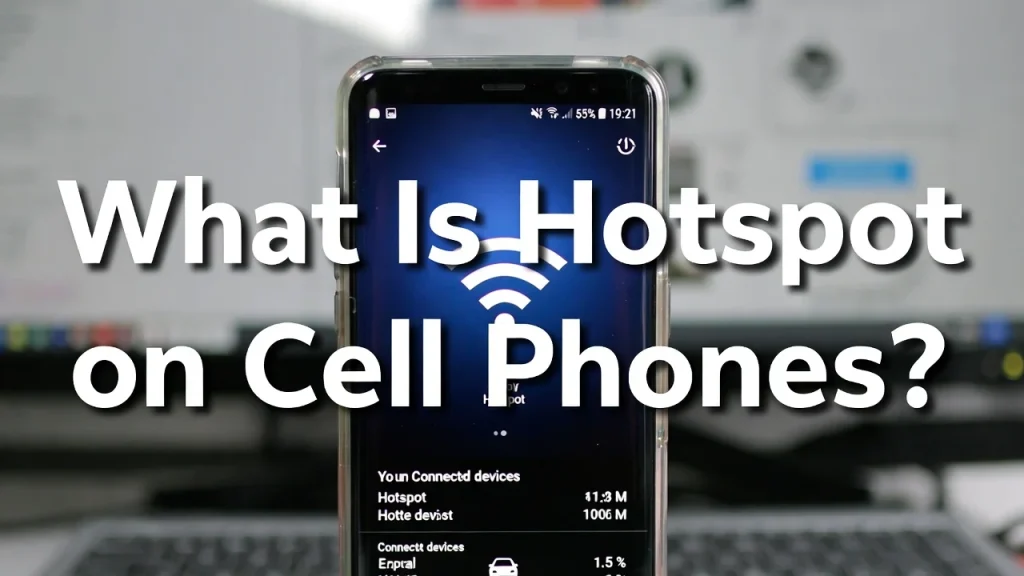
What is hotspot on cell phones? A hotspot on a cell phone is a feature that allows your smartphone to share its internet connection with other devices such as laptops, tablets, smart TVs, and gaming consoles. It turns your phone into a portable Wi-Fi router, letting nearby devices connect to the internet using your cellular data plan.
Many people rely on mobile hotspots when traveling, working remotely, or facing home internet outages. Understanding how a hotspot works can help you stay connected, avoid excessive data charges, and get the best performance from your mobile network.
Have you ever been in a coffee shop, airport, hotel, or remote location where Wi-Fi was unavailable or unreliable? In those situations, a mobile hotspot can be a lifesaver. Instead of searching for public Wi-Fi, your smartphone can provide a secure internet connection for your other devices.
As mobile networks continue to improve with 5G technology, hotspot usage has become more common than ever. Students use hotspots for online learning, professionals depend on them for remote work, and travelers use them to stay connected wherever they go.
The challenge is that many users don’t fully understand how hotspots work, how much data they consume, or how to optimize their performance. This often leads to slow speeds, unexpected data usage, and battery drain.
In this guide, you’ll learn exactly what a hotspot on cell phones is, how it works, its benefits and limitations, how to set it up, expert tips, common mistakes to avoid, and what to expect from hotspot technology in 2026 and beyond.
“Technology is best when it brings people together.”— Matt Mullenweg, Founder of WordPress
Why It Matters – Understanding Mobile Hotspot Technology
A mobile hotspot has become one of the most useful smartphone features in today’s connected world. Instead of depending on fixed broadband or public Wi-Fi networks, users can access the internet virtually anywhere with cellular coverage.
When you enable a hotspot on your phone, it uses your carrier’s mobile data network and broadcasts a Wi-Fi signal. Other devices can then connect just as they would connect to a traditional wireless router.
This feature is especially important for:
- Remote workers
- Digital nomads
- Business travelers
- College students
- Emergency situations
- Backup internet access
According to industry reports from organizations such as the GSMA and the International Telecommunication Union, mobile internet usage continues to grow globally as 5G networks expand.
Modern smartphones now support advanced hotspot features including:
- 5G hotspot connectivity
- Wi-Fi 6 support
- USB tethering
- Bluetooth tethering
- Device management controls
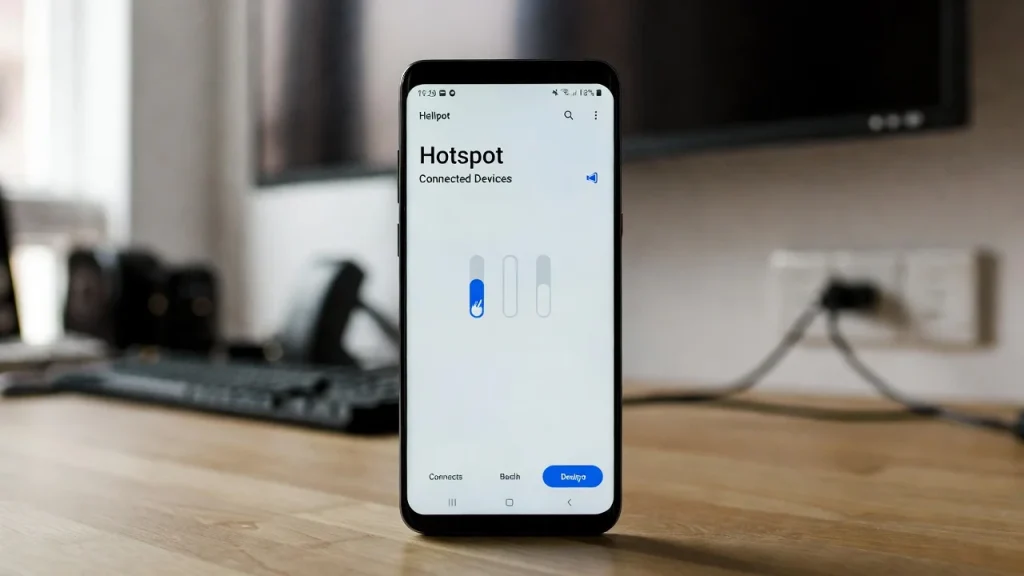
- Data usage monitoring
For consumers, hotspots offer flexibility and convenience. For businesses, they provide reliable backup internet access during network outages.
The importance of mobile hotspots will likely increase as more smart devices, cloud services, and remote work applications depend on stable internet connectivity.
“The best way to predict the future is to invent it.”— Alan Kay, Computer Scientist
Best Hotspot Solutions and Recommendations
Choosing the right hotspot setup depends on your needs and usage habits.
1. Use 5G Whenever Available
5G hotspots often provide faster speeds and lower latency than 4G LTE connections. This improves video calls, streaming, and cloud-based work.
Best for: Remote workers and power users.
2. Monitor Data Consumption
Hotspots can consume large amounts of data quickly.
Activities with high data usage include:
- 4K streaming
- Online gaming
- Large file downloads
- Video conferencing
Best for: Avoiding overage charges.
3. Use Strong Password Protection
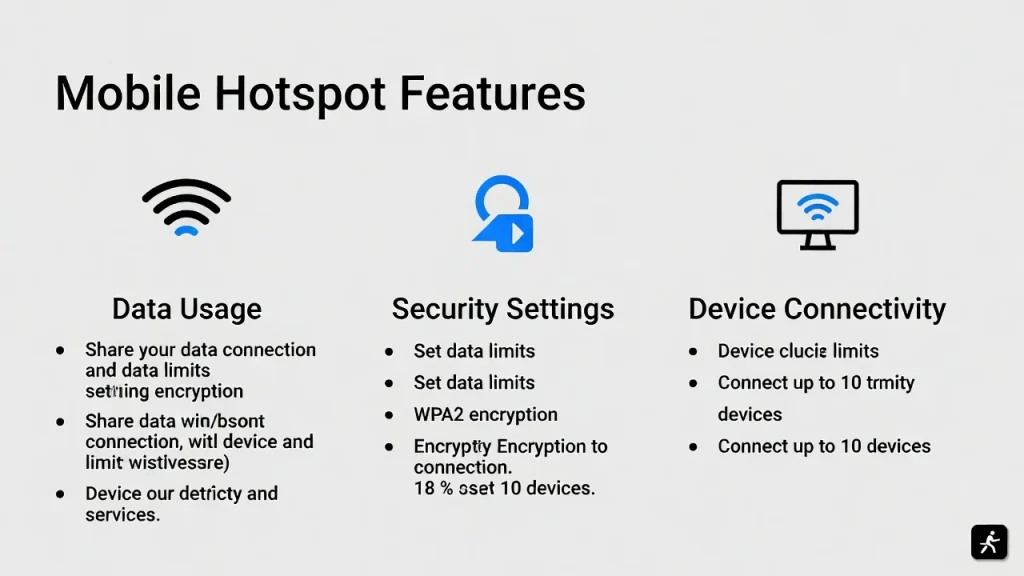
Always secure your hotspot with WPA2 or WPA3 encryption and a strong password.
Benefit: Prevents unauthorized access.
4. Connect Only Necessary Devices
More connected devices can reduce available bandwidth.
Benefit: Better speed and stability.
5. Consider Unlimited Data Plans
Many carriers offer hotspot-friendly plans with higher data allowances.
Benefit: Greater flexibility for frequent hotspot users.
6. Use USB Tethering for Maximum Stability
USB tethering often provides:
- Faster speeds
- Lower latency
- Reduced wireless interference
Best for: Laptops and remote work.
7. Keep Your Phone Updated
Software updates frequently improve hotspot performance and security.
Benefit: Better reliability and compatibility.
Step-by-Step Guide
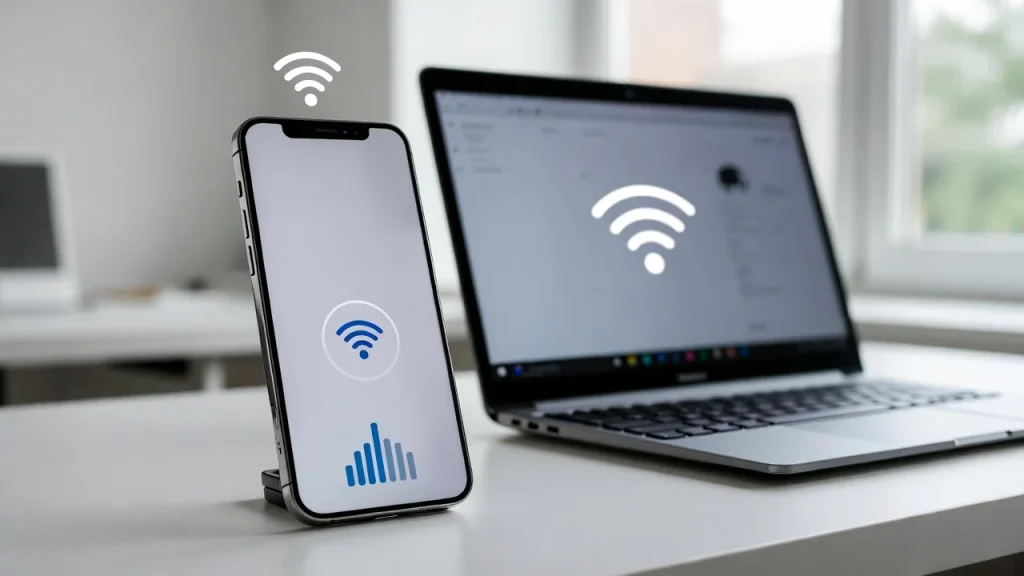
Follow these steps to enable a hotspot on most smartphones:
- Open your phone’s Settings app.
- Navigate to Network & Internet, Connections, or Mobile Network.
- Select Hotspot & Tethering.
- Tap Mobile Hotspot or Personal Hotspot.
- Turn the hotspot feature on.
- Create a secure hotspot name and password.
- On your laptop, tablet, or other device, search for available Wi-Fi networks.
- Select your hotspot network and enter the password to connect.
Additional setup tips:
- Place the phone in an area with strong cellular reception.
- Keep the battery charged.
- Disable hotspot mode when not in use.
- Monitor data usage regularly.
- Limit background downloads on connected devices.
Most Android and iPhone devices follow a similar setup process, although menu names may vary slightly depending on the manufacturer.
Expert Tips & Common Mistakes
Expert Tips
- Use 5G networks whenever possible for faster hotspot speeds.
- Monitor monthly data usage to avoid throttling.
- Enable battery-saving features during extended hotspot sessions.
- Keep devices close together for stronger wireless performance.
- Use USB tethering for critical work applications requiring stable connections.
Small adjustments can significantly improve hotspot performance and reliability.
Common Mistakes to Avoid
Using Weak Passwords
Open or poorly secured hotspots can allow strangers to consume your data and compromise security.
Ignoring Data Limits
Streaming movies and downloading large files can quickly exhaust hotspot allowances.
Leaving Hotspot Enabled All Day
This unnecessarily drains battery life and increases security risks.
Using Hotspot in Poor Signal Areas
Weak cellular reception often results in slow speeds and unstable connections.
For example, a user attempting a video conference from a low-signal location may experience dropped calls, buffering, and reduced productivity.
“Innovation distinguishes between a leader and a follower.”— Steve Jobs, Co-founder of Apple
Frequently Asked Questions on What Is Hotspot on Cell Phones
What is hotspot on cell phones used for?
A hotspot allows your phone to share its cellular internet connection with other devices. It is commonly used for laptops, tablets, smart TVs, and gaming systems when traditional Wi-Fi is unavailable.
Does using a hotspot cost extra?
It depends on your mobile carrier and plan. Some plans include hotspot data at no additional cost, while others may charge extra fees or impose data limits.
Is a hotspot the same as Wi-Fi?
Not exactly. Wi-Fi is the wireless technology used for connectivity, while a hotspot is the source that provides internet access through a Wi-Fi signal generated by your phone.
How much data does a hotspot use?
Data usage depends on activity. Web browsing uses relatively little data, while video streaming, gaming, and software downloads can consume several gigabytes quickly.
Does hotspot drain phone battery?
Yes. Running a hotspot requires significant power because your phone simultaneously communicates with the cellular network and connected devices.
Can multiple devices connect to one hotspot?
Yes. Most smartphones support several simultaneous connections, although performance may decrease as more devices share available bandwidth.
Is a mobile hotspot secure?
A properly configured hotspot using WPA2 or WPA3 encryption and a strong password is generally secure and often safer than public Wi-Fi networks.
Conclusion
Understanding what is hotspot on cell phones is essential for anyone who relies on internet access while traveling, working remotely, studying online, or managing unexpected connectivity issues. A mobile hotspot transforms your smartphone into a portable internet hub, allowing other devices to connect through your cellular data network.
As 5G coverage expands and smartphone technology advances, hotspot performance continues to improve. New innovations such as AI-powered network optimization, Wi-Fi 6 integration, smarter battery management, and enhanced security features are making mobile hotspots more efficient than ever in 2026.
By using strong security settings, monitoring data usage, and following best practices, you can maximize the value of your hotspot while avoiding common problems. For more smartphone guides, connectivity tips, technology reviews, and buying advice, explore our latest consumer electronics resources and stay informed about the future of mobile internet technology.

Ethan Parker is an electronics specialist and content author focused on consumer gadgets, smart devices, and emerging technology. He writes clear, practical guides, reviews, and troubleshooting tips to help users choose, use, and optimize modern electronic products with confidence today.


